
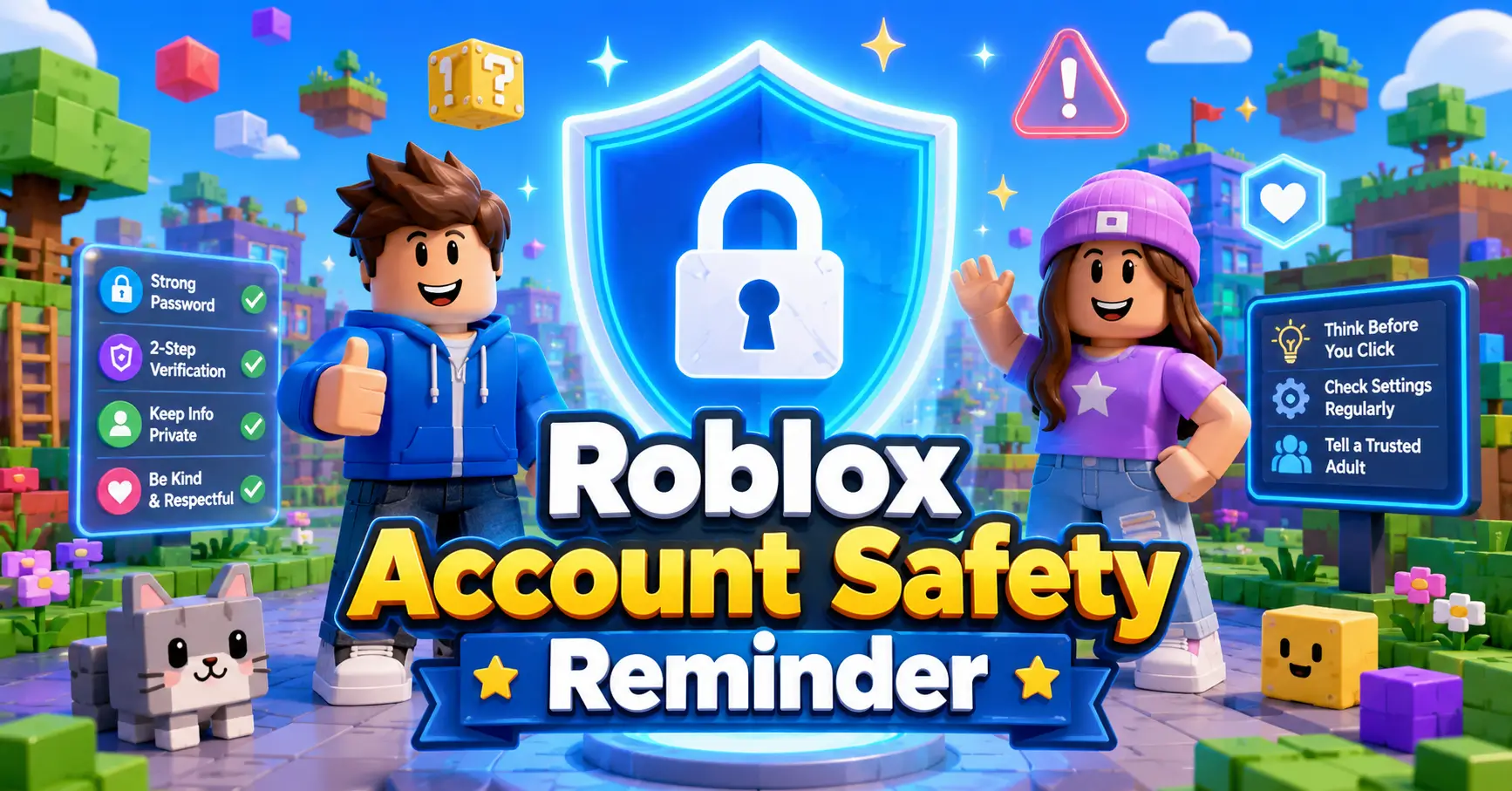
Roblox is all about fun games, creative worlds, cool avatars, and “wait… how did I fall off that obby again?” moments. But today we have an important Roblox account safety reminder for players, families, and the Billie & Bryelle community. Recent cybersecurity reporting says Ukrainian authorities detained suspects connected to a large Roblox account theft operation. Reports say more than 610,000 accounts were checked or affected, with some valuable accounts allegedly sold online.
That sounds serious, but don’t panic. This is a great time to do a quick safety check and make sure your Roblox account is protected.
Why Roblox Account Safety Matters
Your Roblox account can include your avatar items, friends list, game progress, Robux, and favorite experiences. Losing access can be frustrating, especially if you have worked hard on your account. Roblox says 2-Step Verification adds an extra layer of protection and can help stop someone from getting into your account even if they know your password. Basically, it is like putting a giant shield around your account. Not a boss battle shield… but close.
What Players Should Watch Out For
A lot of account problems start when players trust the wrong thing. Be careful with:
- “Free Robux” promises
- Random links from strangers
- Fake giveaways
- Websites asking for your Roblox login
- People asking to “borrow” your account
- Messages that feel too good to be true
Roblox also warns that stealing accounts, items, or currency is against its rules, and players should report suspicious activity instead of joining risky trades or deals.
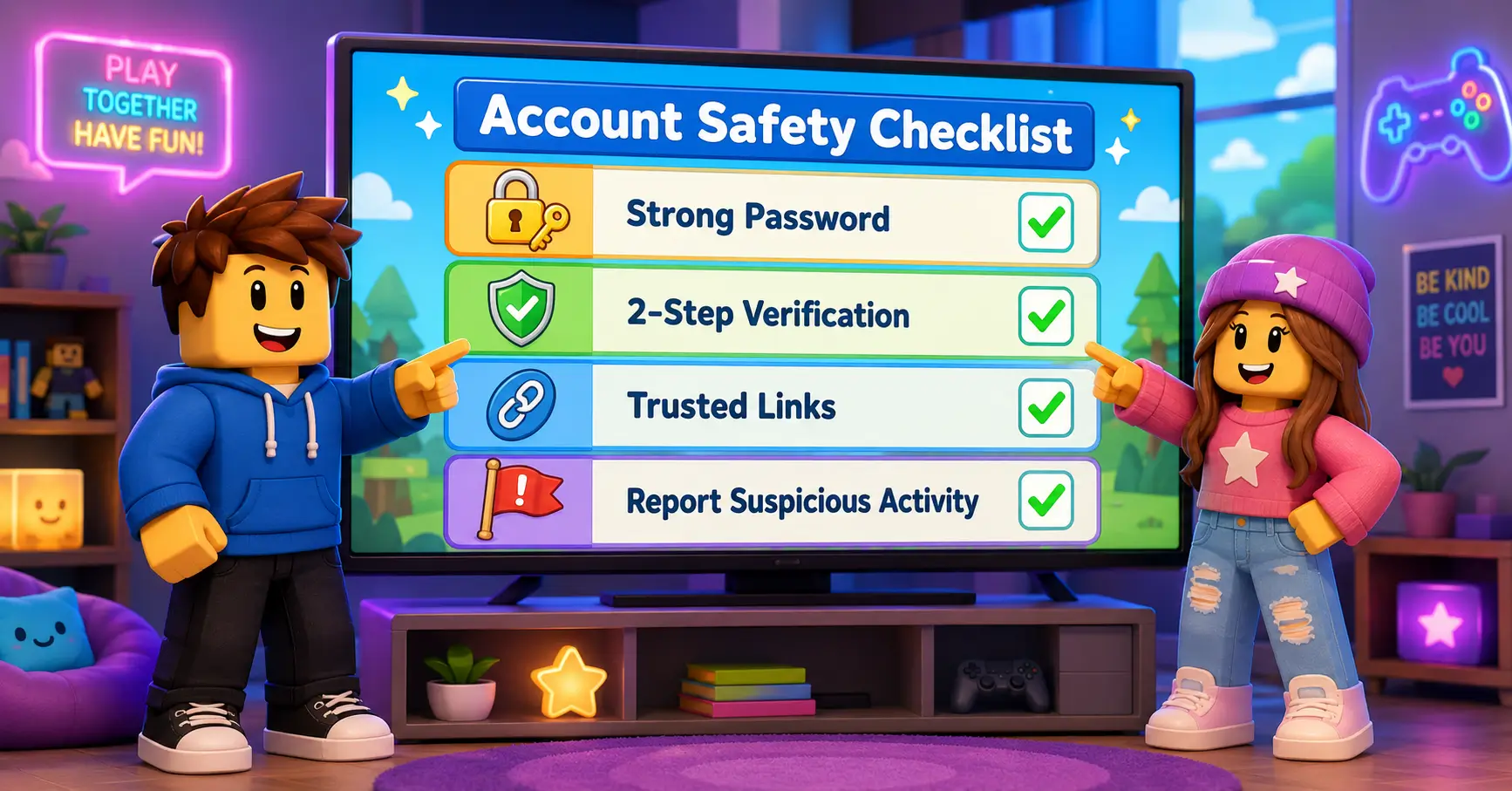
Roblox Account Safety Checklist
Here are simple steps every player can take:
1. Turn on 2-Step Verification
Go to your Roblox account settings, open the security section, and turn on 2-Step Verification. Roblox lists options like authenticator apps, email, and security keys.
2. Use a Strong Password
Do not use the same password everywhere. Make it hard to guess and do not share it with friends, strangers, or “helpful” people in chat.
3. Never Share Login Codes
If Roblox sends you a code, keep it private. Real friends do not need your login code. Real giveaways do not need your password.
4. Only Trust Official Sources
For account help, use Roblox’s official help pages and account recovery options. Avoid random “fix your account” websites or videos promising magic solutions.
5. Tell a Parent or Trusted Adult
If something weird happens, ask for help. This is especially important if you cannot log in, items disappear, or someone else seems to be using your account.
What To Do If Your Account Feels Unsafe
If you think your Roblox account may have been hacked, Roblox recommends steps like changing your password, checking your email, removing suspicious connected sessions, and contacting Roblox Support if needed.
Do not try to fight hackers, buy stolen accounts, or click “recovery” links from random people. That can make things worse.
Final BB Reminder
The best Roblox adventures happen when everyone plays safely. Whether you are building, roleplaying, dressing up your avatar, joining challenges, or watching Billie & Bryelle videos, your account deserves protection.
So before your next Roblox session, take a minute to check your settings.
Future you might say: “Thanks, past me. That was a pro gamer move.”
Any question? message us
Before you jump into your next Roblox game, check your account safety settings and remind a friend to do the same. Then watch the latest Billie & Bryelle video for more fun, safe gaming adventures!